
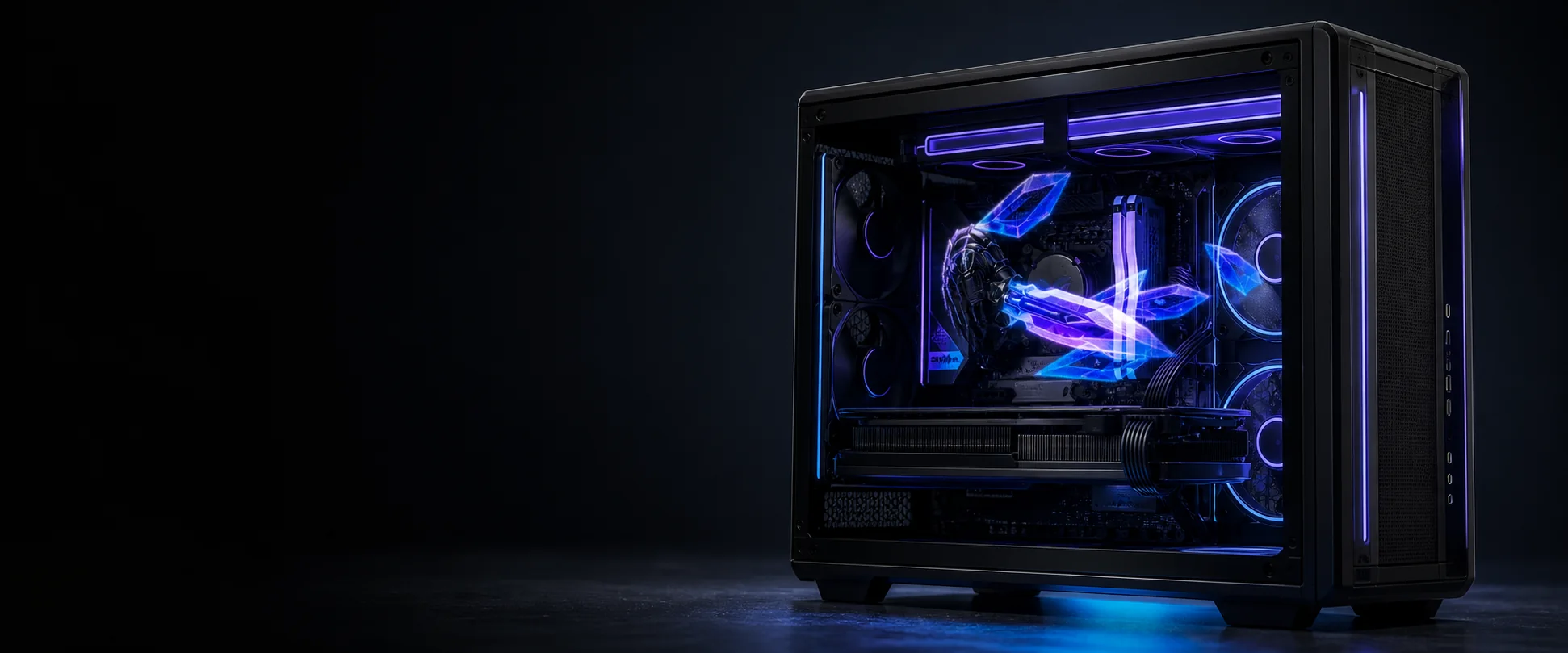
A VICIZ PC case visual display kit is a compact persistence-of-vision (POV) module designed to turn the side or front of a computer enclosure into an animated visual surface. Instead of adding another conventional rectangular screen, the module uses rapidly moving LEDs and precisely timed frames to create the impression of graphics floating in open space. No headset or special glasses are required.
What the product actually is
The word “visual” describes the visual effect people perceive. Technically, the module is a high-speed POV display rather than a true volumetric optical display. As its LED array rotates, the controller illuminates exact points at exact moments. Your eyes blend those points into a complete moving image, while much of the physical mechanism visually disappears.
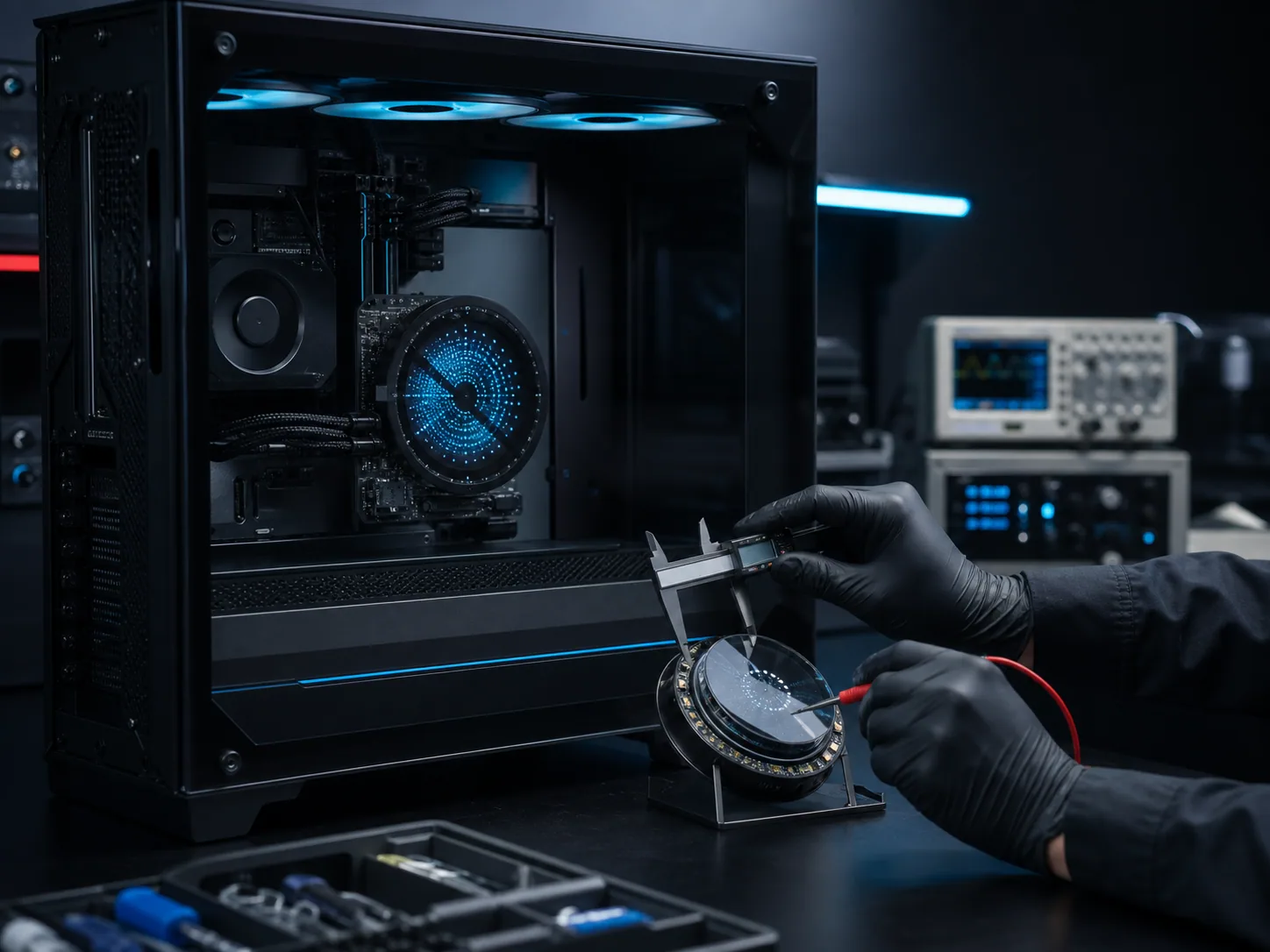
This approach works especially well for logos, mascots, product animations, abstract loops and short branded sequences. Dark or transparent-looking backgrounds usually produce the strongest illusion because the animated subject remains visually separated from the hardware behind it.
Side panel module: the primary showcase
The side panel is the natural first position for a showcase build. It offers a large viewing area and places the effect beside the motherboard, cooling system and other components. For system integrators, gaming brands and creators, this turns the complete PC into a storytelling object rather than a collection of parts behind glass.
Good side-panel content should have a clear silhouette, moderate motion and enough contrast to remain readable from a normal viewing distance. The visual can reinforce a build theme, show a brand identity at events or provide a memorable centerpiece for a custom workstation.
Front panel module: a complementary focal point
A front panel module adds a second viewing angle and makes the effect visible before someone reaches the side of the case. It can be used on its own, but it is especially effective as a complementary focal point after the side-panel experience has been established.
Front-facing content benefits from simple compositions: one product symbol, one character or a short logo sequence. Matching the front animation with the side animation creates a coherent system instead of two unrelated displays.
How content is prepared and displayed
POV content is built from video or animation assets prepared for the display’s visual characteristics. The most effective workflow starts with the intended viewing position, selects a subject that reads clearly against a dark field, and tests scale, speed and loop timing on the physical installation.
- Brand loops: logos, product marks and event identities.
- Character content: mascots, game-inspired animation and themed scenes.
- Product storytelling: exploded views, feature highlights and launch visuals.
- Atmospheric motion: particles, energy effects and abstract forms that complement RGB lighting.
The cover image appears on the blog card and at the top of this page. Inline images and playable videos sit directly inside the editorial content, so visitors can understand the product without leaving the article.
What integrators should plan
A successful installation is more than choosing an animation. The case structure, usable panel area, airflow, power routing, service access and expected viewing distance all influence the result. Builders should confirm mechanical compatibility early and keep moving parts protected from accidental contact.
For commercial projects, content ownership and update responsibility should also be agreed in advance. A system built for a retail launch may need campaign updates, while a permanent showroom piece may prioritize a durable evergreen loop.
Who it is for
VICIZ modules are suited to premium custom PCs, system integrator demonstration builds, gaming and component brands, exhibition installations, retail displays, creator studios and technically experienced DIY builders. The value is not simply “another screen”; it is the ability to give a computer a recognizable visual identity that attracts attention from across a room.
Choosing the right starting point
Start with the side panel when the goal is the largest storytelling surface and the strongest relationship with internal components. Add or select the front panel when visibility from the front is more important or when the enclosure design provides a strong dedicated mounting area there.
To evaluate a project, share the PC case model, target panel position, quantity, use scenario and the type of content you want to display. The VICIZ team can then discuss compatibility, presentation priorities and the appropriate next step.